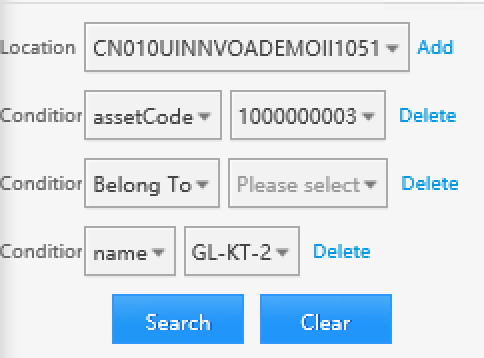
Search
uDCV supports full-text search, as well as multiple criteria search which allow more specific scoping.
Basic Search
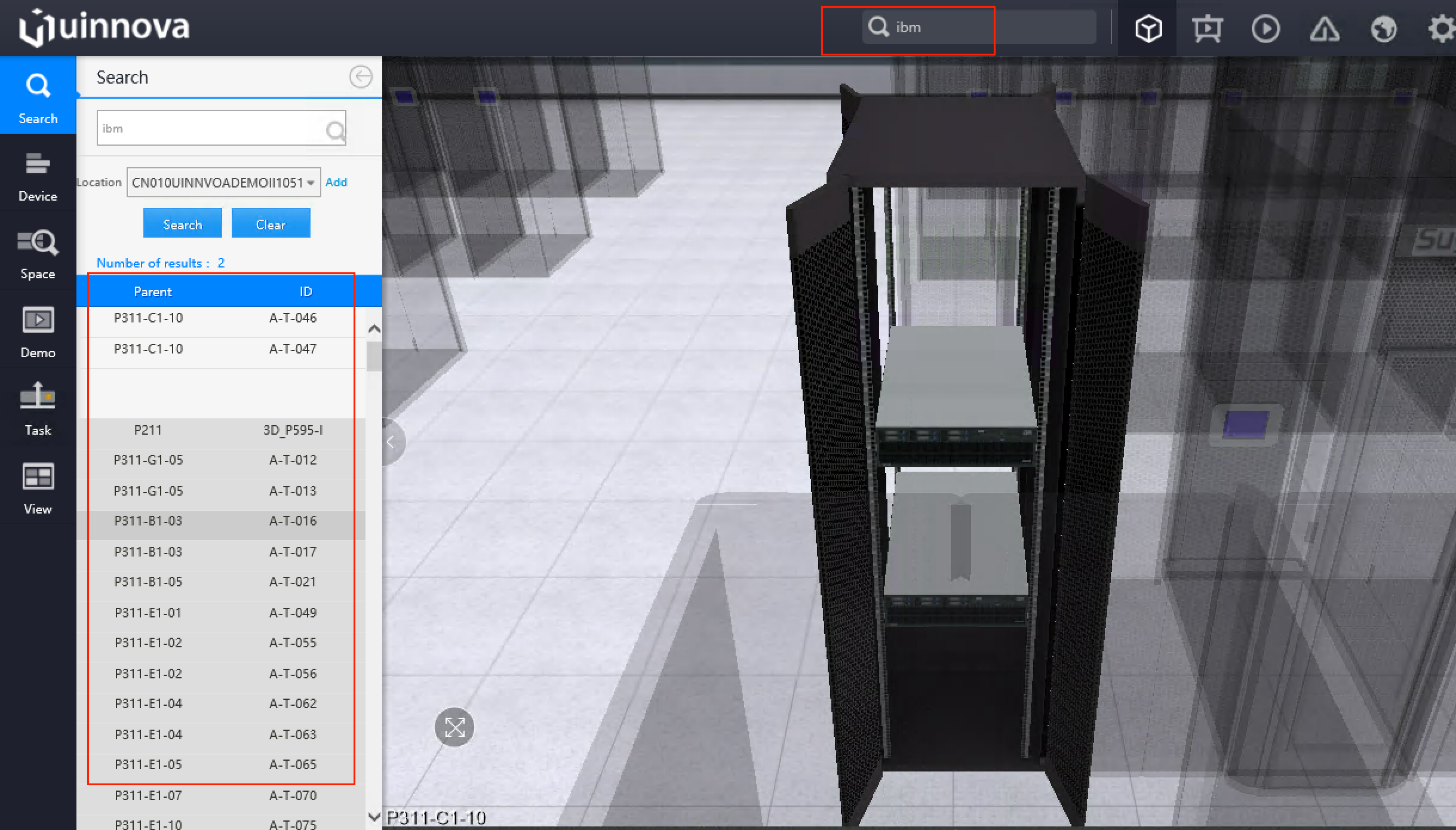
Enter keyword in upper search box and hit enter, search result UI will appears automatically on the left. Single click on one result item(if any), system will fly camera to the item. As shown below:
Note
Search box use full-text search, any match on object properties will return as result, for instance, enter “HP” will shows all HP servers, storages and printers, and server room name includes “HP”, etc.
Advance Search
To reduce the search scope, user can specify multiple condition on Advance Search. Advance Search is located at left navigation bar.
- All Object properties can be used as search criteria :
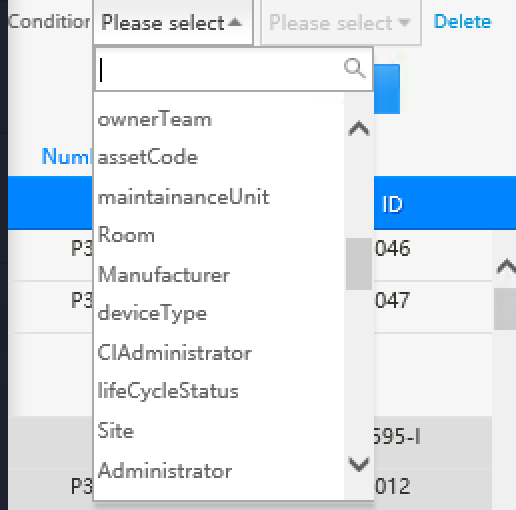
- Support
ANDoperator between search criteria